Create agents with an organization API key
Organization API keys let CI and scripts create and read agents. They're not agent tokens.
Organization API keys are not agent tokens. An organization API key (atk_org_…) only creates and reads agents; it can't send or read mail. Agent tokens (atk_agent_…) don't work with the organization API.
Before you start
- You need the owner role. Only owners can see and manage organization API keys.
Issue a key
Open New key
In Settings › API keys, choose New key.
Pick a name, scopes, and expiry
Choose a Name (up to 60 characters), at least one Scope (Read agents
agents:read, Create agentagents:create), and Expires.Store it and close
Choose Issue. The key is shown only once. Put it straight into your CI's secret store, tick the checkbox, and close the window.
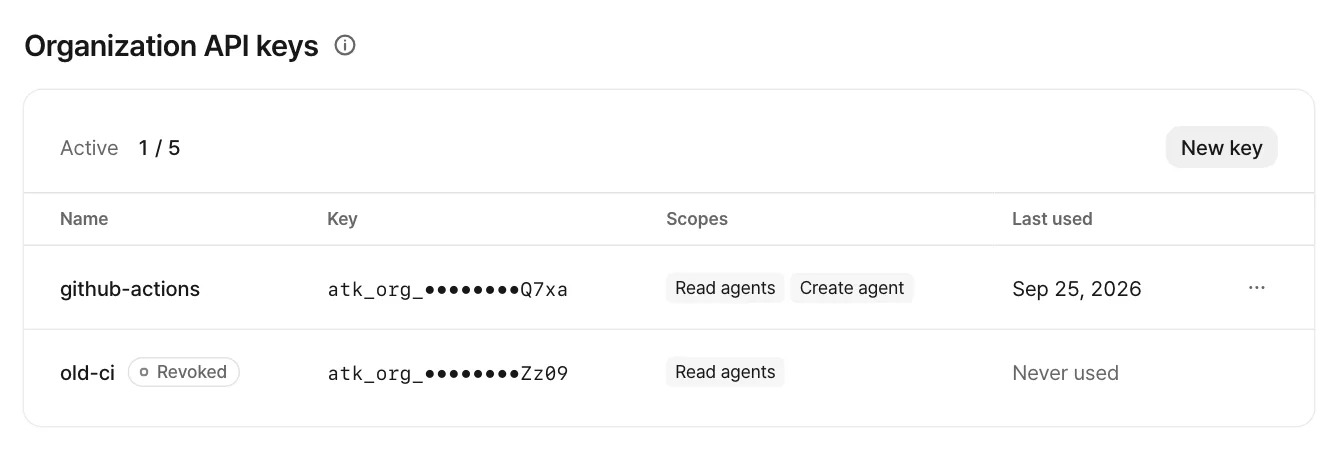
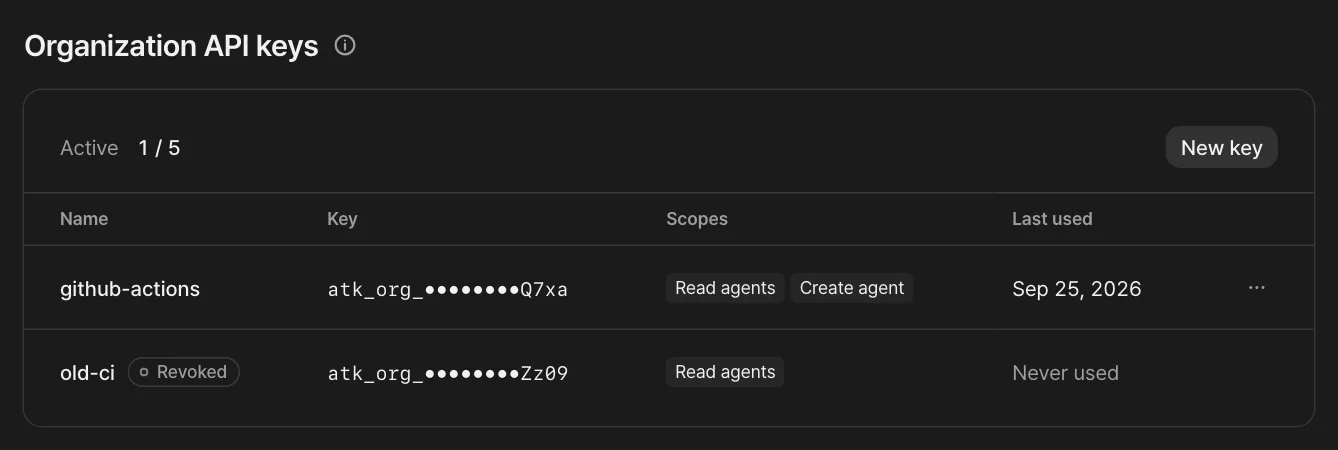
Your plan sets how many active keys an organization can have (up to 5).
Use the API
The base URL is on the console host.
https://console.atmark.ai/org-api/v1| Method | Path | Scope | What it does |
|---|---|---|---|
GET | /agents | agents:read | Lists agents. The response is {items, nextCursor}. Takes limit, cursor, and q (search). |
GET | /agents/{agentId} | agents:read | One agent |
POST | /agents | agents:create | Creates an agent. Body: {"name": "…", "localPart": "…"} |
curl -sS https://console.atmark.ai/org-api/v1/agents \
  -H "Authorization: Bearer $ORG_KEY" \
  -H "Content-Type: application/json" \
  -d '{"name": "Help desk agent", "localPart": "desk"}'
The create response (201) is {agent, token}. The new agent's first token comes in this response only once. Put it in your secret store right away. Creating follows the same rules as the console: address rules, agent limits, and the under-review cap all apply.
- Calls from a browser get
403 origin_forbidden. Call it from a server or CI. - Too many requests get
429 rate_limited. - A missing or wrong key gets
401 unauthenticated.
Rotate and revoke
Pick these from the key row's action menu.
- Rotate: Issues a new key with the same name and scopes, and revokes the current one right away. Update the secret in your CI.
- Revoke: Any CI using this key gets
401right away. Agents created with it stay. This can't be undone.
Feedback on this page? Write to support@atmark.ai.